Refrigerator Not Cooling
The fresh-food section is warm, the freezer still feels cold, and something clicks every 30–40 seconds at the back. Observe first, identify the start system, then prove the start circuit.
Scenario briefing
The call
A customer reports the refrigerator section is warm while the freezer still feels reasonably cold. Milk is spoiling on the top shelf, ice cream is still firm.
They also hear a click every 30 to 40 seconds from the back or bottom of the unit. No error code, and the lights and controls work normally.
That click is either a start relay and overload cycling or an inverter driver retrying and faulting out. Work the sequence: observe, identify which start system this compressor uses, then prove it with a reading.
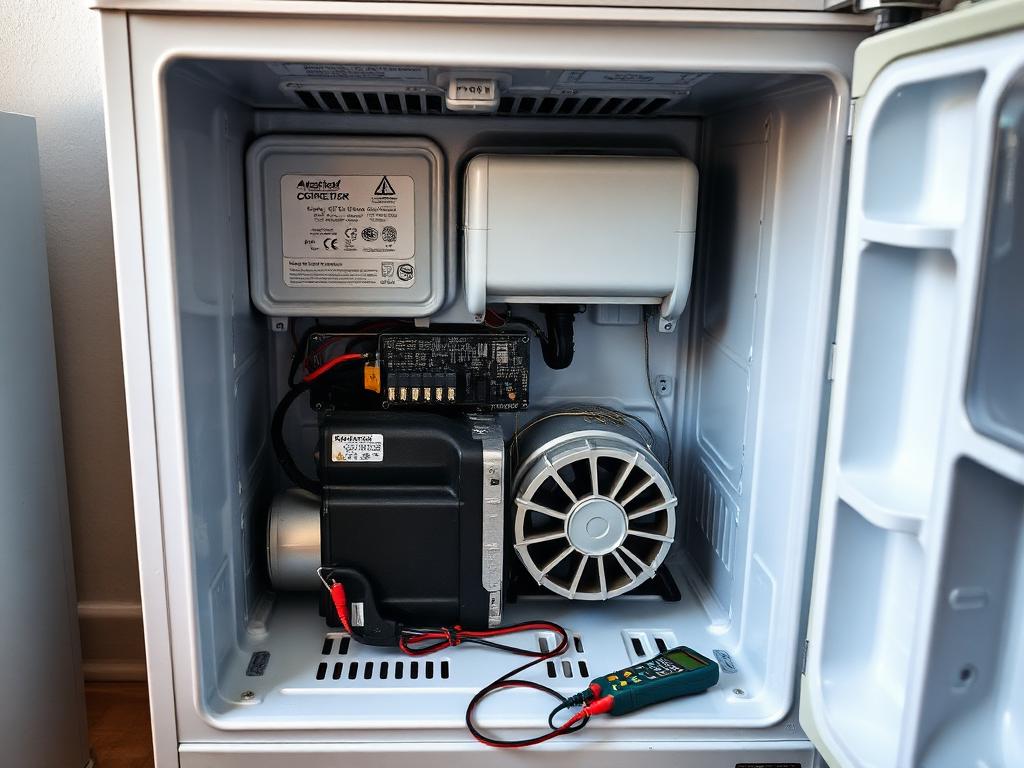
The control calls for cooling, the compressor start device energises the compressor, and the condenser fan rejects heat while the evaporator fan moves cold air over the coil into the cabinet. On a healthy box you should hear the compressor running, feel a warm condenser, and find a clean uniform frost pattern on the evaporator.
Subsystems in this failure pattern
- Start and run: control output, start relay / overload or inverter board, compressor windings
- Heat rejection: condenser coil and condenser fan
- Air distribution: evaporator fan, air damper, defrost system
Why this diagnostic order
A warm box has two very different failure families: it will not run, or it runs and does not cool. Confirming whether the compressor is even attempting to start splits the problem in half in under a minute. Electrical start faults are common and cheap; sealed-system faults are rare and expensive. Prove the electrical side first, and never add refrigerant to diagnose.
Step 0 · Required
Safety Gate
Confirm every item below before the diagnostic area unlocks. This mirrors the pre-work checklist you owe every customer.
0 of 5 confirmed.
Step 1 · First checks
LockedDiagnostic decision
You are at the unit. What do you do first?
Complete the safety gate to continue.
Component map
Refrigeration and start circuit — component view
System layout — relative positions
Progress
Step 1 of 4
- 1
- 2
- 3
- 4