Dishwasher Not Draining
A dishwasher completes its cycle but leaves standing water in the tub. Work the air gap and hose, then the filter and sump, then the pump — in that order.
Scenario briefing
The call
A customer reports their dishwasher runs the full cycle but there is always standing water in the bottom of the tub when it finishes. Dishes come out wet, and lately some come out dirty.
No error code is displayed — some models only post a generic drain notice, and this one shows nothing. The machine fills, washes, and ends the cycle on time, so the control is sequencing normally.
Work the sequence: confirm the complaint and inspect the external drain path first, then split simple restrictions from pump and control faults, then open the sump. Parts come after you have looked, listened, and measured.
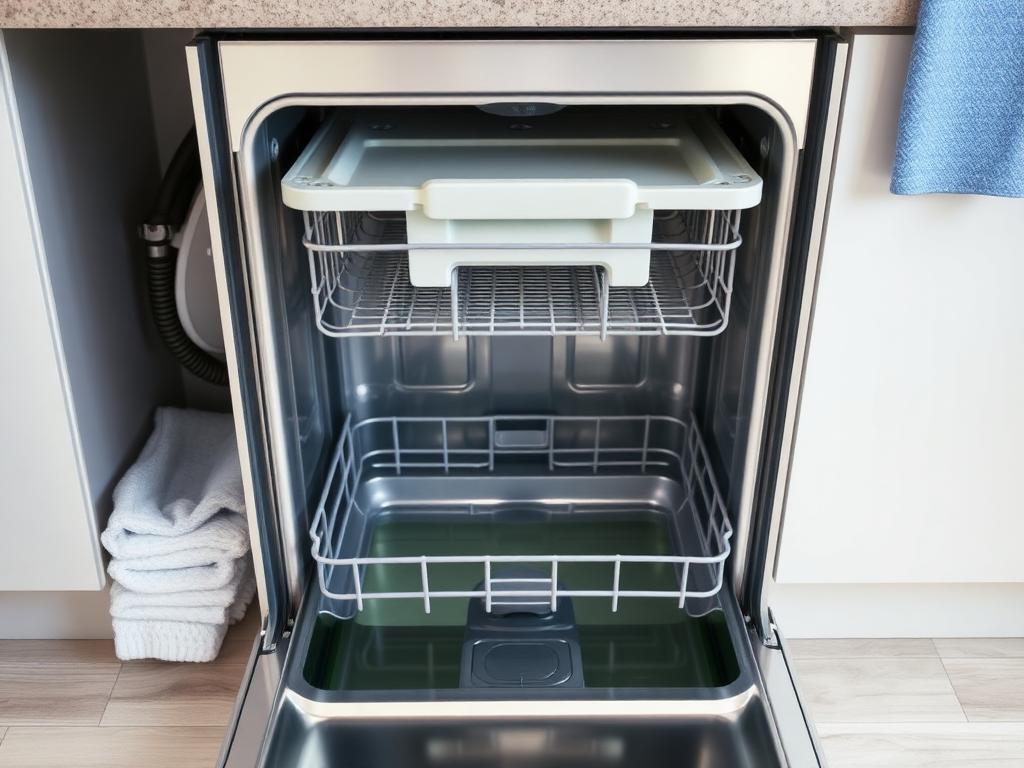
At the end of the cycle the drain pump pushes sump water through the check valve, up the drain hose high loop or air gap, and into the disposer or sink drain. The filter and sump keep food solids out of the pump. Almost everything that stops a dishwasher draining is a restriction, not a failed part.
Subsystems in this failure pattern
- Sump side: filter, sump, chopper, check valve
- Drain path: drain pump, drain hose, high loop or air gap, disposer connection
- Control: drain command, error reporting, cycle logic
Why this diagnostic order
The external drain path and the filter are free to inspect and cause most standing-water calls, including brand-new installs where the disposer knockout was never removed. Clearing the sump and confirming the path means that if the pump is still not moving water, you have proved it rather than guessed it.
Step 0 · Required
Safety Gate
Confirm every item below before the diagnostic area unlocks. This mirrors the pre-work checklist you owe every customer.
0 of 5 confirmed.
Step 1 · First checks
LockedDiagnostic decision
You are at the machine with the customer standing by. What do you do first?
Complete the safety gate to continue.
Component map
Dishwasher drain circuit — component view
System layout — relative positions
Progress
Step 1 of 4
- 1
- 2
- 3
- 4